
A browser-based training platform for managers and employees.
Administrators create the workforce roster and assign training. Every employee receives a username and password, signs in from a computer browser, completes assigned modules, and leaves behind a clean completion record.
Four simple steps to manage employee training.
Add your people
Import the roster and organize employees in the way your organization already thinks about them.
Assign a module
Choose the audience, training topic, course length, and target completion window—from short awareness modules to longer annual or compliance training.
Watch completion
See progress without building a tracker or manually collecting replies.
Keep the training record
Certificates and completion records give you a cleaner story for audits, insurers, boards, and internal governance.
Built for the person managing the training program.
- Employee and group management
- Module assignment and due dates
- Organization-wide progress reporting
- Completion certificates
- Manager reminders and escalation views
- Exportable evidence for governance workflows
Give managers a clear view of assignments and completion.
Whether that is IT, HR, compliance, an MSP, or a security leader wearing three other hats.
Small IT teams
Run a credible awareness program without creating a second administrative job.
Security leaders
Turn completion into something measurable and reportable instead of anecdotal.
Service providers
Give client organizations a structured training experience alongside broader security services.
See both sides of the platform.
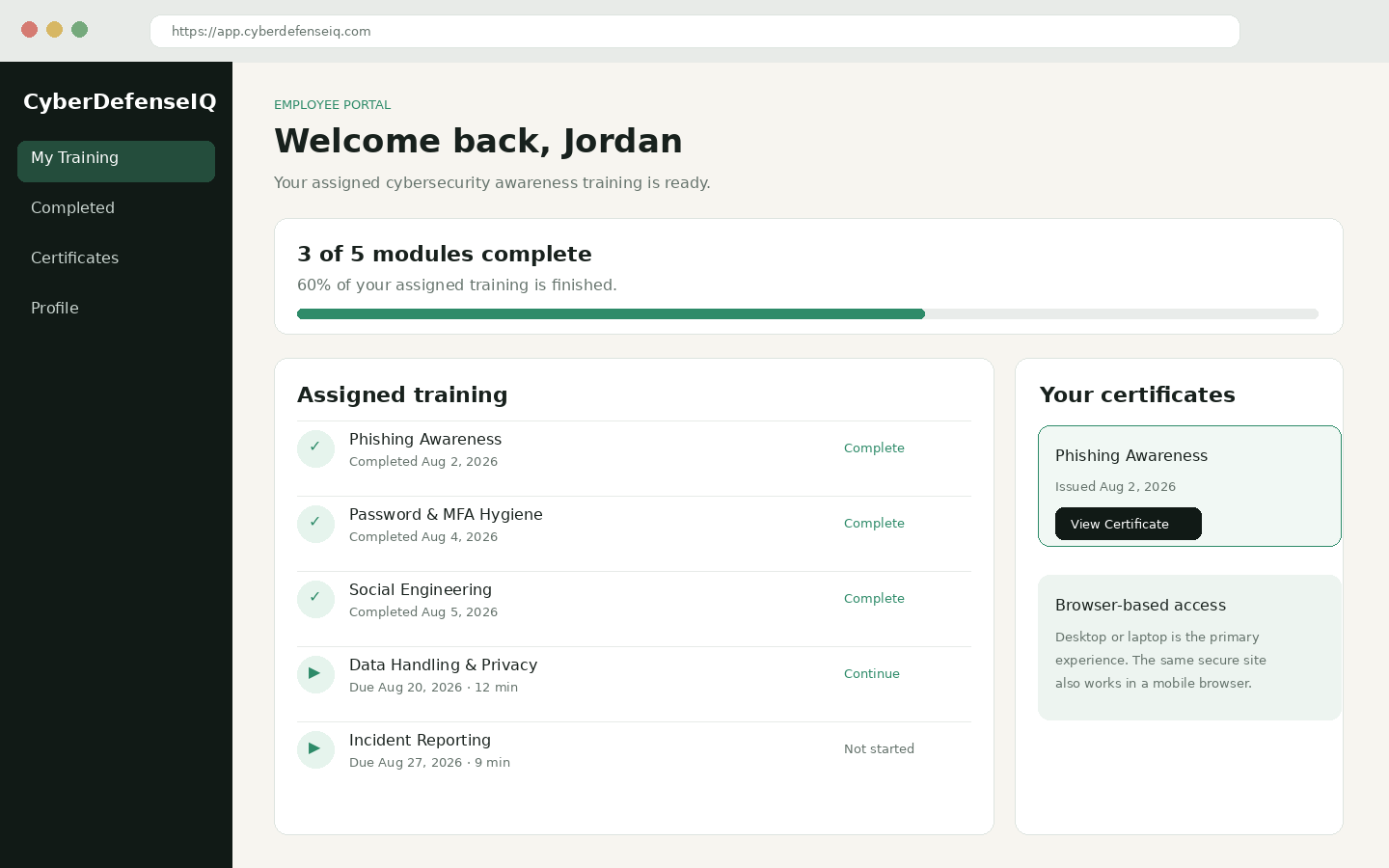
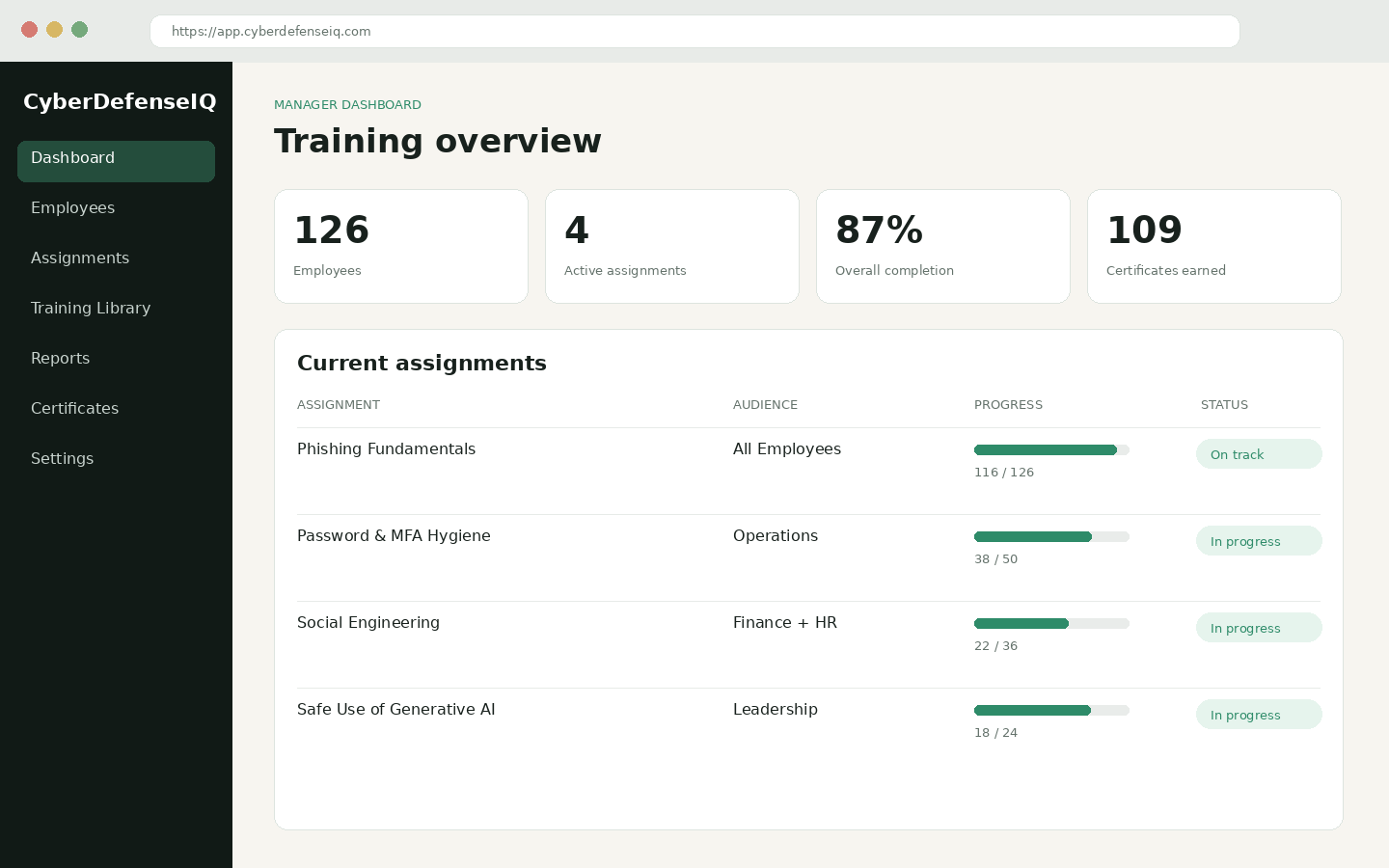
The manager experience focuses on roster management, assignments, completion, reports, and evidence. The employee experience keeps the task simple: sign in, see assigned training, complete it, and access certificates.
Manager / administrator view
Employee training view